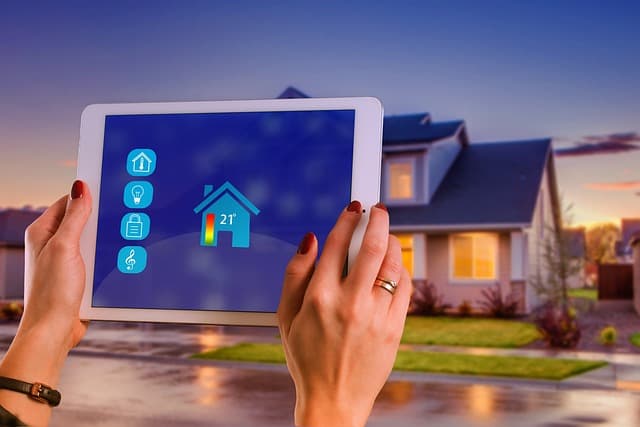
Many users forget basic security rules when setting up their smart home system. This can have serious consequences: access to your cameras, smart locks, and even control over your devices can fall into the hands of malicious individuals. For example, if your smart lock is controlled by third parties, this will allow attackers to secretly enter your home. In another situation, a smart speaker connected to cameras can become a tool for spying on your home.
Why do smart home security issues arise?
The main reason for the vulnerability of smart homes is that the devices are connected to the internet. This opens the door to potential attacks, especially if the devices are not sufficiently protected. Many users rely on default passwords or do not think about the need for firmware updates and network security. Open ports for remote access, unsecured Wi-Fi networks, and weak passwords can all lead to hacking.
If you read this article to the end, you will learn how to properly configure your smart home system to avoid such problems.
Steps to protect your smart home
To ensure the security of your smart home system, it is important to take several steps to minimize the risk of hacking and data leaks.
Update device firmware and applications
Firmware and app updates not only add new features, but also fix vulnerabilities. If you leave your devices with outdated firmware, they can become easy targets for hacking. Regular updates eliminate such problems and close vulnerabilities.
Use strong passwords and two-factor authentication
Weak passwords are one of the most common reasons for smart home hacks.
For example, default passwords or simple combinations can be easily guessed by attackers. Replace the default password with a complex one consisting of letters, numbers, and symbols, and enable two-factor authentication for additional protection.
Protect your Wi-Fi network
An open or poorly secured Wi-Fi network is an invitation to hackers. If your network is open, anyone can connect and access your smart devices. For example, if an attacker connects to your Wi-Fi network, they can access your cameras or control the lights in your home. Make sure your router uses WPA3 encryption and create a strong password for network access. Also, consider creating a separate Wi-Fi network for smart devices to secure your main home network.
Currently, some routers can operate in two different Wi-Fi bands, for example, 2.4 GHz and 5 GHz. This creates two Wi-Fi networks. You can use one of them exclusively for your smart home and the other for everyday use.